Playground
ThorVG Playground is an interactive space where you can explore various graphic features and see the results in real time. From basic shapes to styles and animations, each example showcases the powerful vector graphics capabilities of ThorVG.
This Playground is powered by the ThorVG WebCanvas (JavaScript API), allowing you to run ThorVG directly in your browser. Code and previews are provided together to make learning and testing easier.
Try your own code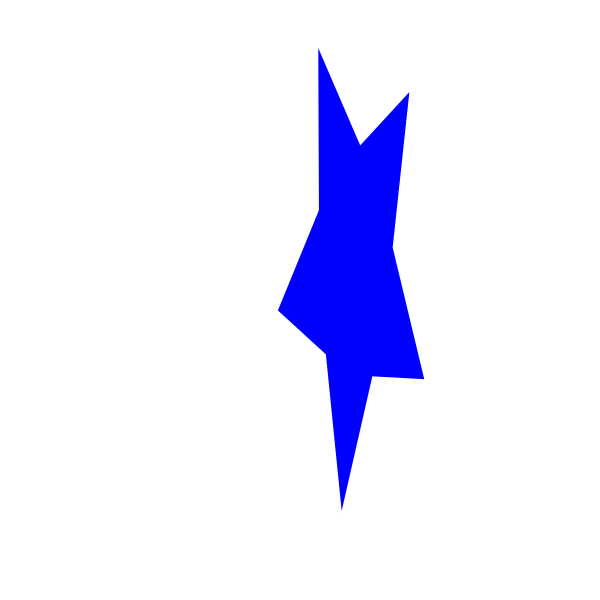
Apply custom transformation matrices to shapes
View code & preview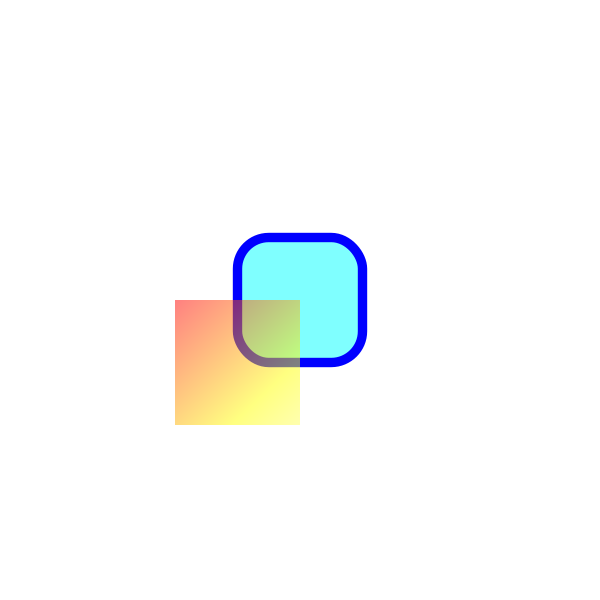
Direct shape updates with retained properties
View code & preview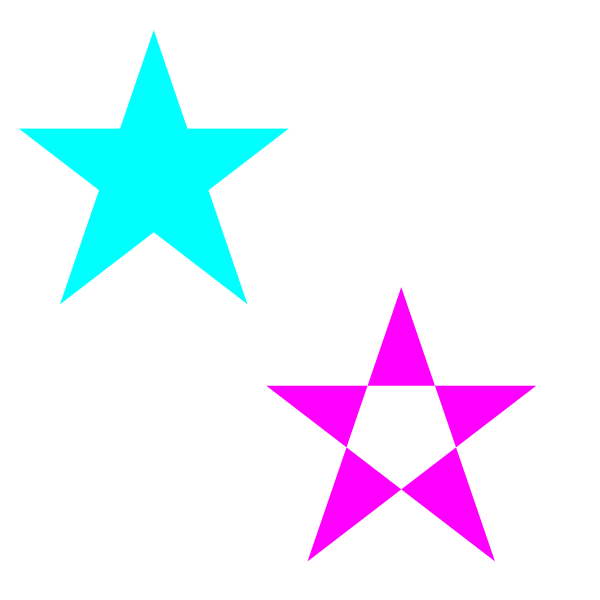
Demonstrate shape fill rules
View code & preview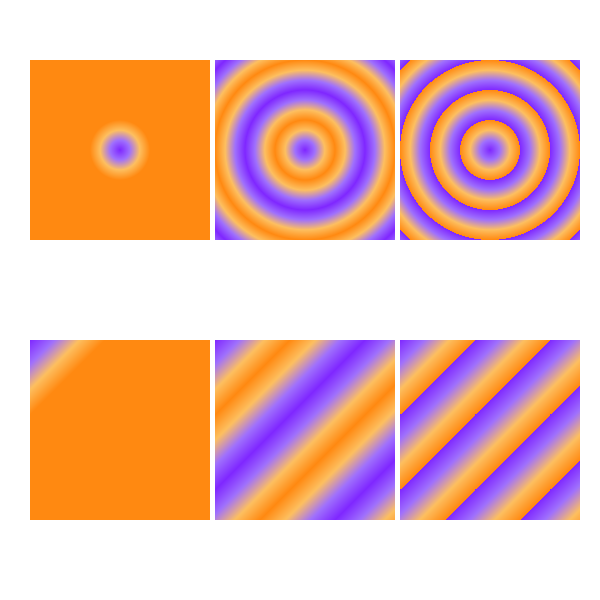
Demonstrate gradient spread modes: pad, reflect, and repeat
View code & previewApply linear and radial gradients to strokes
View code & previewAnimate gradients with shape transformations
View code & preview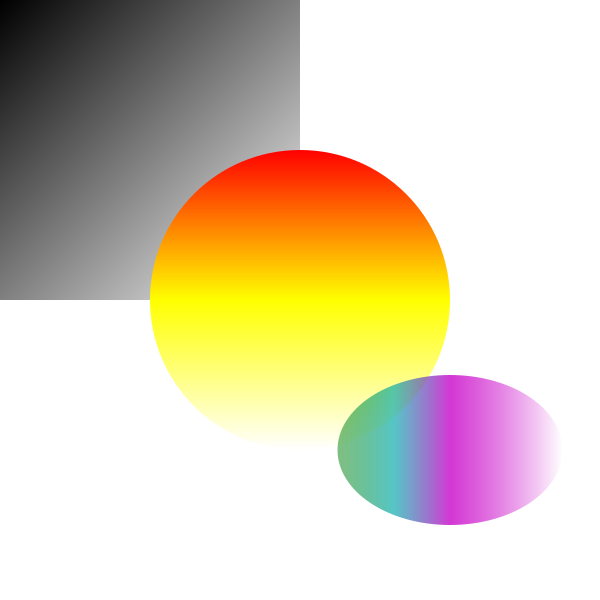
Apply linear and radial gradients to shapes
View code & previewRotate images around center origin
View code & previewScale images around center origin
View code & previewDemonstrate opacity control on shapes and scenes
View code & previewDraw shapes using path commands
View code & previewDemonstrate radial gradients
View code & previewDemonstrate scene blending modes
View code & previewAnimate scene transformations with rotate, scale, and translate
View code & previewDraw simple shapes
View code & previewDemonstrate stroke join and cap styles
View code & previewDemonstrate stroke miter limit behavior
View code & previewDemonstrate stroke width, join, and cap styles
View code & previewAnimate shapes with rotation and scaling
View code & previewTrim paths to show only portions of shapes
View code & preview
Traverse a picture scene tree and modify paint properties by ID
View code & previewDemonstrate all blend modes with various paint types
View code & previewDisplay bounding boxes around objects
View code & preview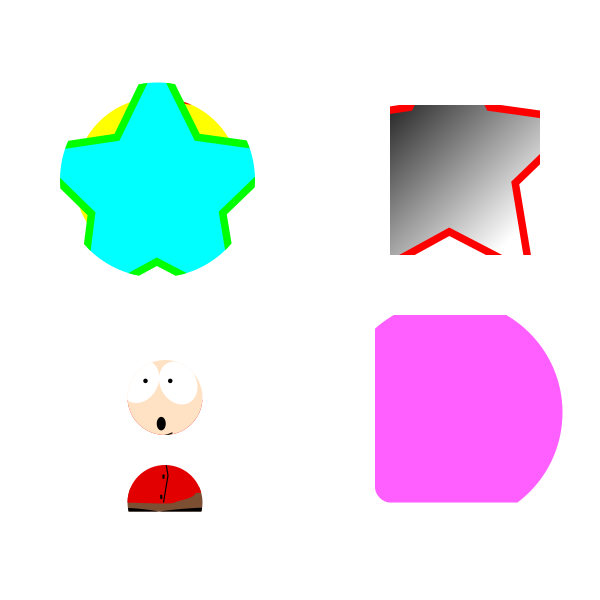
Demonstrate clipping for shapes and scenes
View code & previewDuplicate shapes, scenes, pictures, and objects
View code & previewDrop shadow effect applied to scene content
View code & previewGlobal error handler catches
View code & preview
Demonstrate Alpha and InvAlpha masking with linear gradients
View code & previewInteractive example demonstrating paint.intersects() API with mouse hover detection
View code & previewDemonstrate Alpha, InvAlpha, Luma, and InvLuma masking with various paint types
View code & previewDemonstrate all 6 mask composition methods (Add, Subtract, Intersect, Difference, Lighten, Darken)
View code & previewComprehensive demonstration of all scene effects: Gaussian Blur, Fill, Tint, and Tritone
View code & previewControl canvas viewport for panning effects
View code & previewUse a custom font provider to load fonts from any source
View code & previewDemonstrate text animation with multiple effects
View code & previewDemonstrate text layout with alignment within a bounding box
View code & previewDemonstrate text wrapping modes with different alignments
View code & previewRender text with OpenType fonts
View code & previewRender text with TrueType fonts
View code & previewLoad and display JPG images
View code & previewLoad and play a Lottie animation with playback controls
View code & previewLottie animations with expressions support
View code & previewOverride Lottie properties at runtime with slots (color, gradient, transform, text)
View code & previewDrag on the canvas to spin the Lottie in real time — driven by expression slots
View code & previewSupply external Lottie assets (images, fonts) at runtime via a resolver callback
View code & previewLoad and display PNG images
View code & previewLoad and display raw ARGB8888 image data
View code & previewLoad and display the Ghostscript Tiger SVG
View code & previewLoad and display WebP images
View code & preview